Close Menu
  • Home
  • AI & Technology
  • Politics
  • Business
  • Cryptocurrency
  • Sports
  • Finance
  • Fitness
  • Gadgets
  • World
  • Marketing

Subscribe to Updates

Subscribe to our newsletter and never miss our latest news

Subscribe my Newsletter for New Posts & tips Let's stay updated!

What's Hot

Cybercriminals Lurking in Health Tech System Stole Information of 3.4 Million Patients

April 3, 2026

Cybercriminals Lurking in Health Tech System Stole Information of 3.4 Million Patients

April 3, 2026

The Artemis II crew snapped some mesmerizing photos of Earth

April 3, 2026
Facebook X (Twitter) Instagram
  • Home
  • About US
  • Advertise
  • Contact US
  • DMCA
  • Privacy Policy
  • Terms & Conditions
Facebook X (Twitter) Instagram
MNK NewsMNK News
  • Home
  • AI & Technology
  • Politics
  • Business
  • Cryptocurrency
  • Sports
  • Finance
  • Fitness
  • Gadgets
  • World
  • Marketing
MNK NewsMNK News
Home » How to use Apple Watch’s hypertension feature in watchOS 26
Gadgets

How to use Apple Watch’s hypertension feature in watchOS 26

MNK NewsBy MNK NewsSeptember 18, 2025No Comments2 Mins Read
Facebook Twitter Pinterest LinkedIn Tumblr Email
Share
Facebook Twitter LinkedIn Pinterest Email


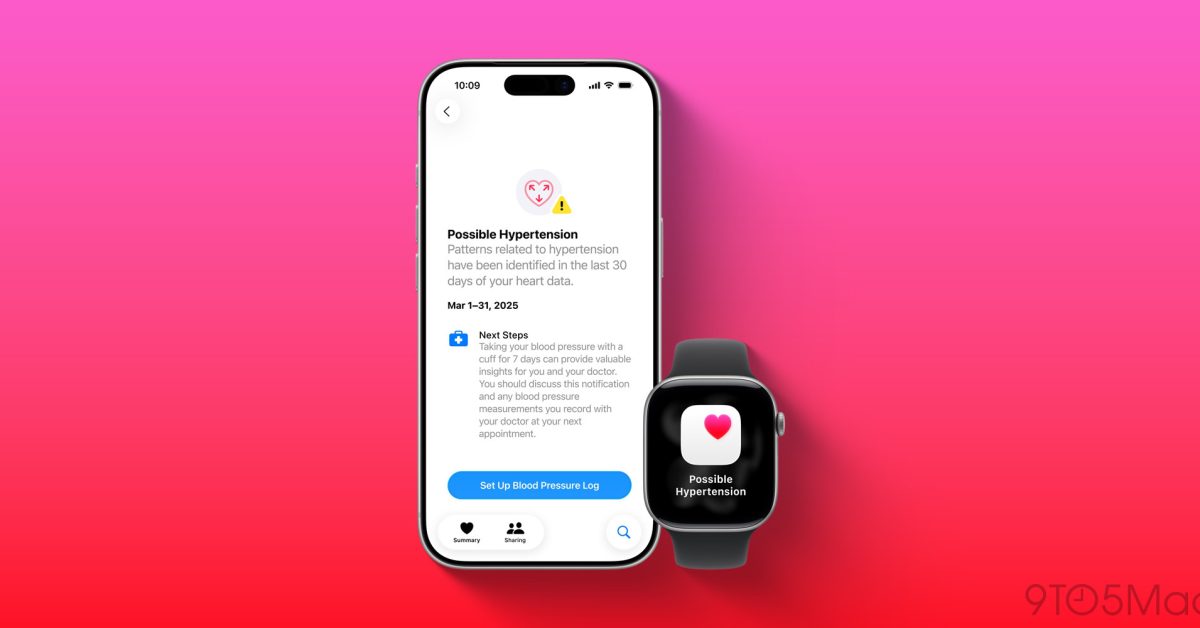
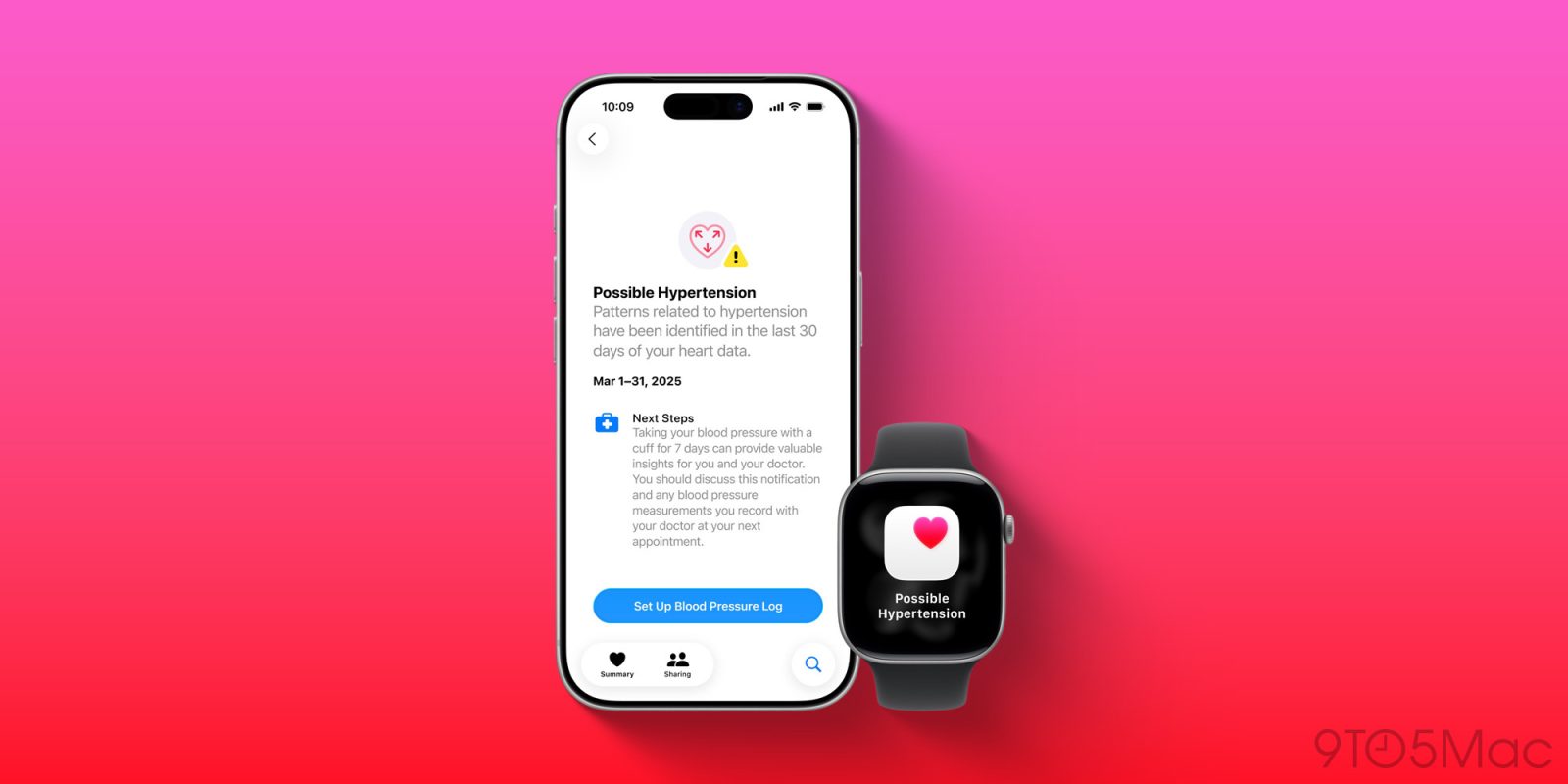
One of the flagship new features of Apple Watch Ultra 3 and Series 11 (review here) is hypertension notifications. But in a welcome surprise, watchOS 26 brings the new hypertension feature to select older Apple Watch models too. Here’s how to set it up, and which models are compatible.

Compatibility requirements for Apple Watch hypertension alerts
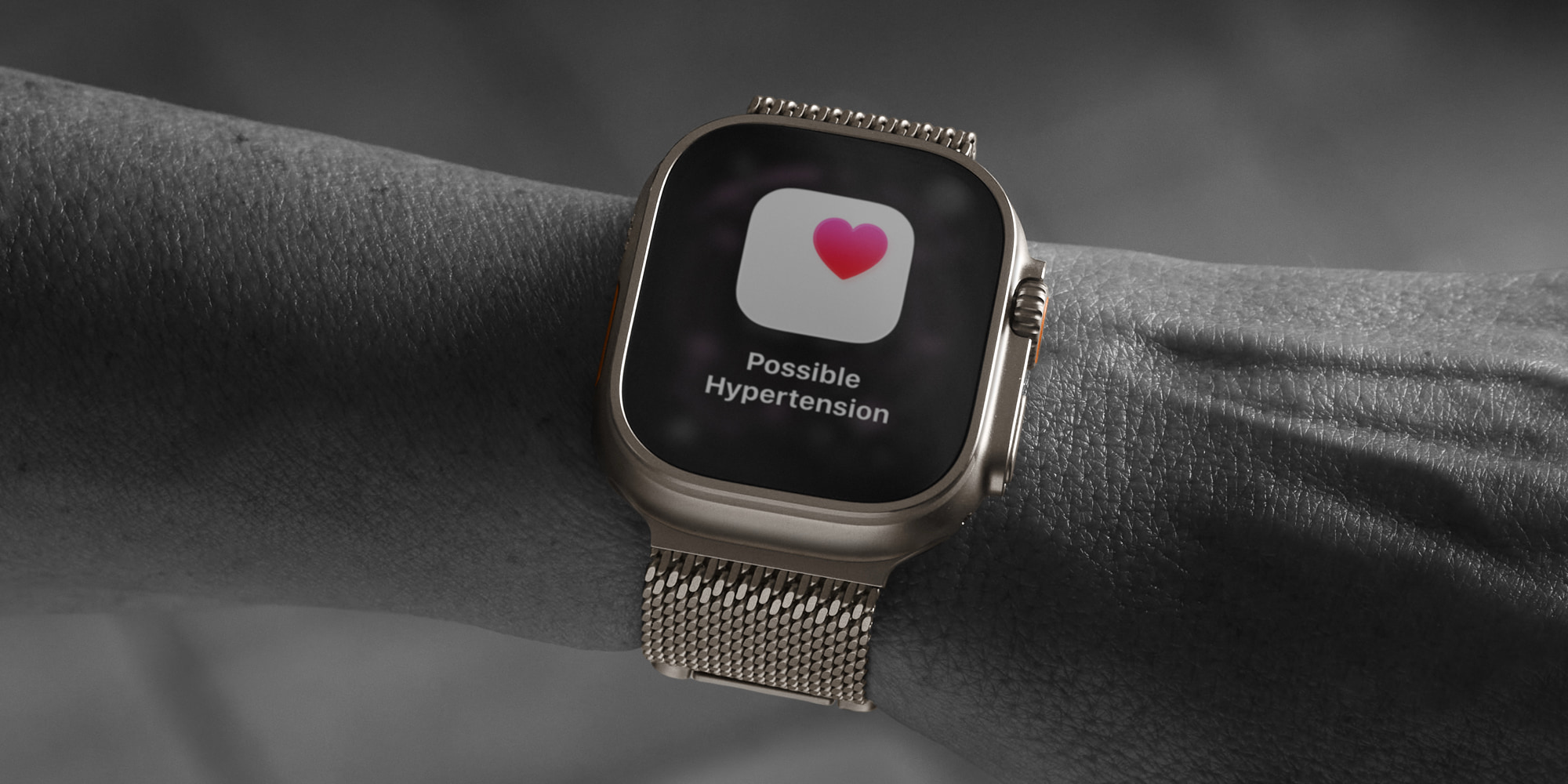
Hypertension notifications are now available in watchOS 26 for the following Apple Watch models:

Apple Watch Series 11

Apple Watch Series 10

Apple Watch Series 9

Apple Watch Ultra 3

Apple Watch Ultra 2

To activate the feature, you will also need an iPhone 11 or later that’s running iOS 26.

Apple has some additional listed requirements to use the feature:

Wrist Detection must be enabled on your Apple Watch

You must be 22 years or older, not pregnant, and have not been diagnosed with hypertension

The activation process for hypertension notifications involves confirming most of these details when prompted.

How to use hypertension feature in watchOS 26
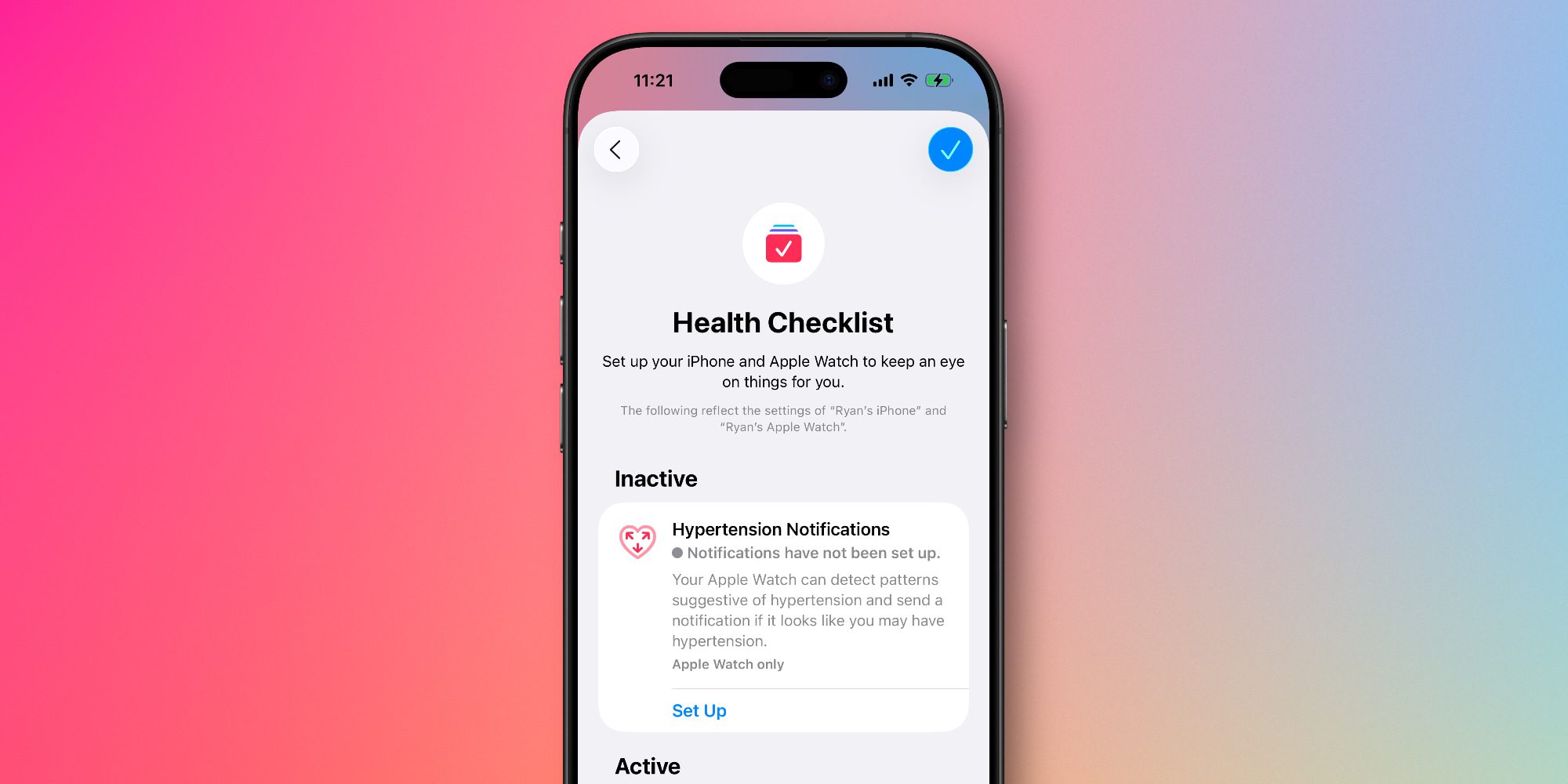
Once you have met all of the requirements listed above, here’s what Apple says you need to do to enable hypertension notifications.

Follow these simple steps:

On your iPhone, open the Health app

Tap your profile icon in the upper corner

Under Features, tap ‘Health Checklist’

Tap ‘Hypertension Notifications’

Confirm your age and if you’ve ever been diagnosed with hypertension, then tap Continue

Tap Next to follow the onscreen prompts to learn how the notifications work

Tap Done

After walking through the setup process, you won’t start getting hypertension notifications immediately.

That’s because Apple needs 30 days to gather initial data before it can accurately predict whether you might be demonstrating a pattern of hypertension.

Apple explains:

Your Apple Watch can analyze data collected by the optical heart sensor and notify you if it detects a pattern of hypertension. This is done over 30 day evaluation periods, starting from the day you set up hypertension notifications.

For more information, visit the full support document on Apple’s website.

Best Apple Watch accessories

Add 9to5Mac as a preferred source on Google

FTC: We use income earning auto affiliate links. More.



Source link

Share. Facebook Twitter Pinterest LinkedIn Tumblr Email
MNK News
  • Website

Related Posts

The Artemis II crew snapped some mesmerizing photos of Earth

April 3, 2026

Much like the game’s zombies, State of Decay 3 is somehow still alive

April 3, 2026

The Super Mario Galaxy Movie is a black hole of entertainment

April 3, 2026
Add A Comment
Leave A Reply Cancel Reply

Editors Picks

Italy’s football chief resigns after World Cup disaster

April 2, 2026

James Anderson backs England for Australia revenge despite Ashes woes

April 1, 2026

Spanish police open probe into anti-Muslim chants at friendly match with Egypt

April 1, 2026

Iraq seal FIFA World Cup return after 40 years; Turkiye end 24-year drought

April 1, 2026
Our Picks

Over 40% Of Bitcoin Supply Is Underwater As Losses Near $600B

April 3, 2026

Analyst Predicts That Ethereum Price Is Headed For $10,000 Minimum

April 3, 2026

X’s New Rules Could Get You Banned

April 3, 2026

Recent Posts

  • Cybercriminals Lurking in Health Tech System Stole Information of 3.4 Million Patients
  • Cybercriminals Lurking in Health Tech System Stole Information of 3.4 Million Patients
  • The Artemis II crew snapped some mesmerizing photos of Earth
  • F45, Reebok Debut Co-Branded Apparel Collection
  • Over 40% Of Bitcoin Supply Is Underwater As Losses Near $600B

Recent Comments

No comments to show.
MNK News
Facebook X (Twitter) Instagram Pinterest Vimeo YouTube
  • Home
  • About US
  • Advertise
  • Contact US
  • DMCA
  • Privacy Policy
  • Terms & Conditions
© 2026 mnknews. Designed by mnknews.

Type above and press Enter to search. Press Esc to cancel.
